
HM GUI for Mac
your photos.
your Mac.
Browse a shoot, develop RAW files, retouch with layers and masks, and batch hundreds of photos. Everything runs on your Mac, with one purchase and no subscription.
Coming soon to the Mac App Store. Requires macOS 14 or later, on Apple silicon or Intel.
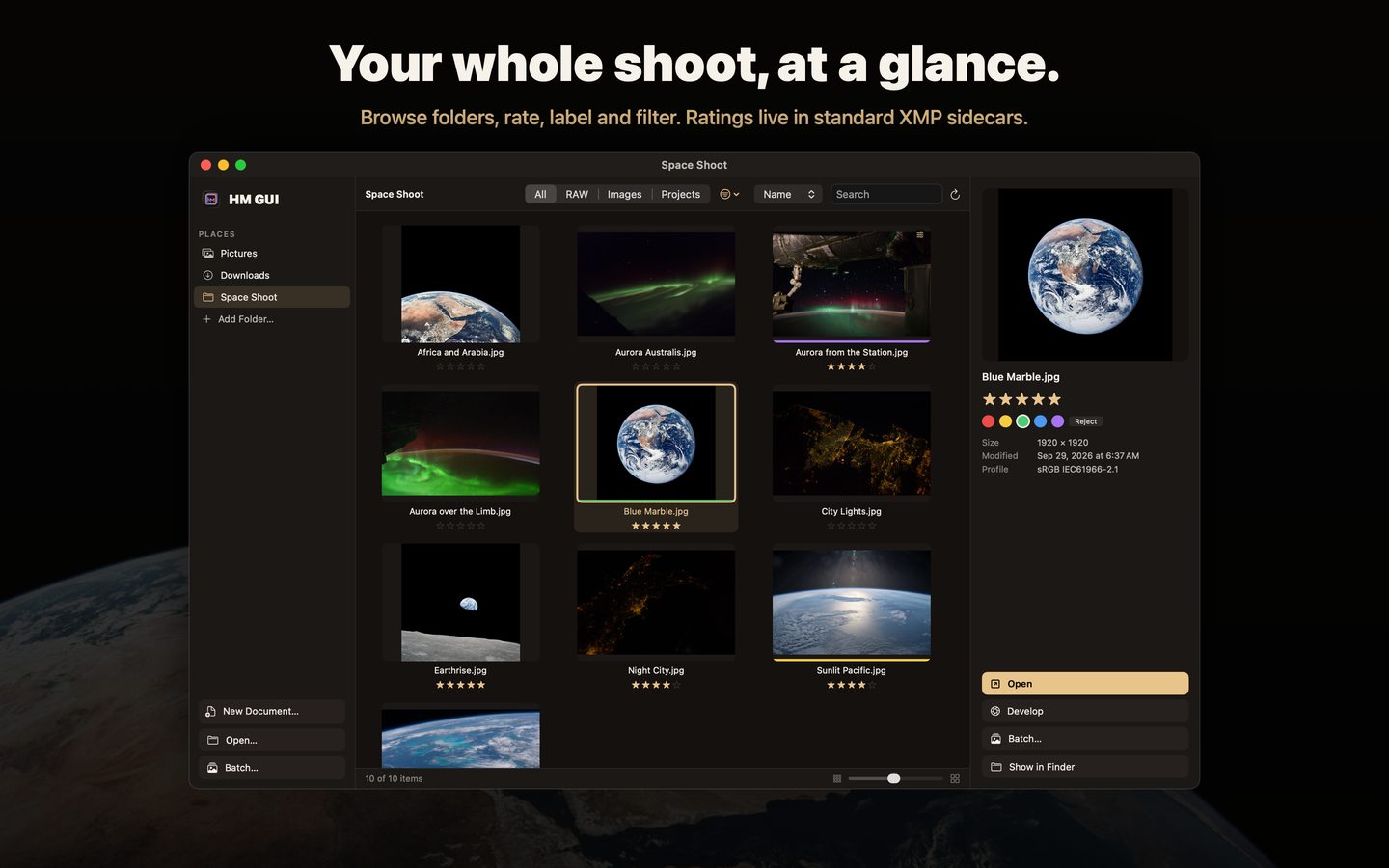
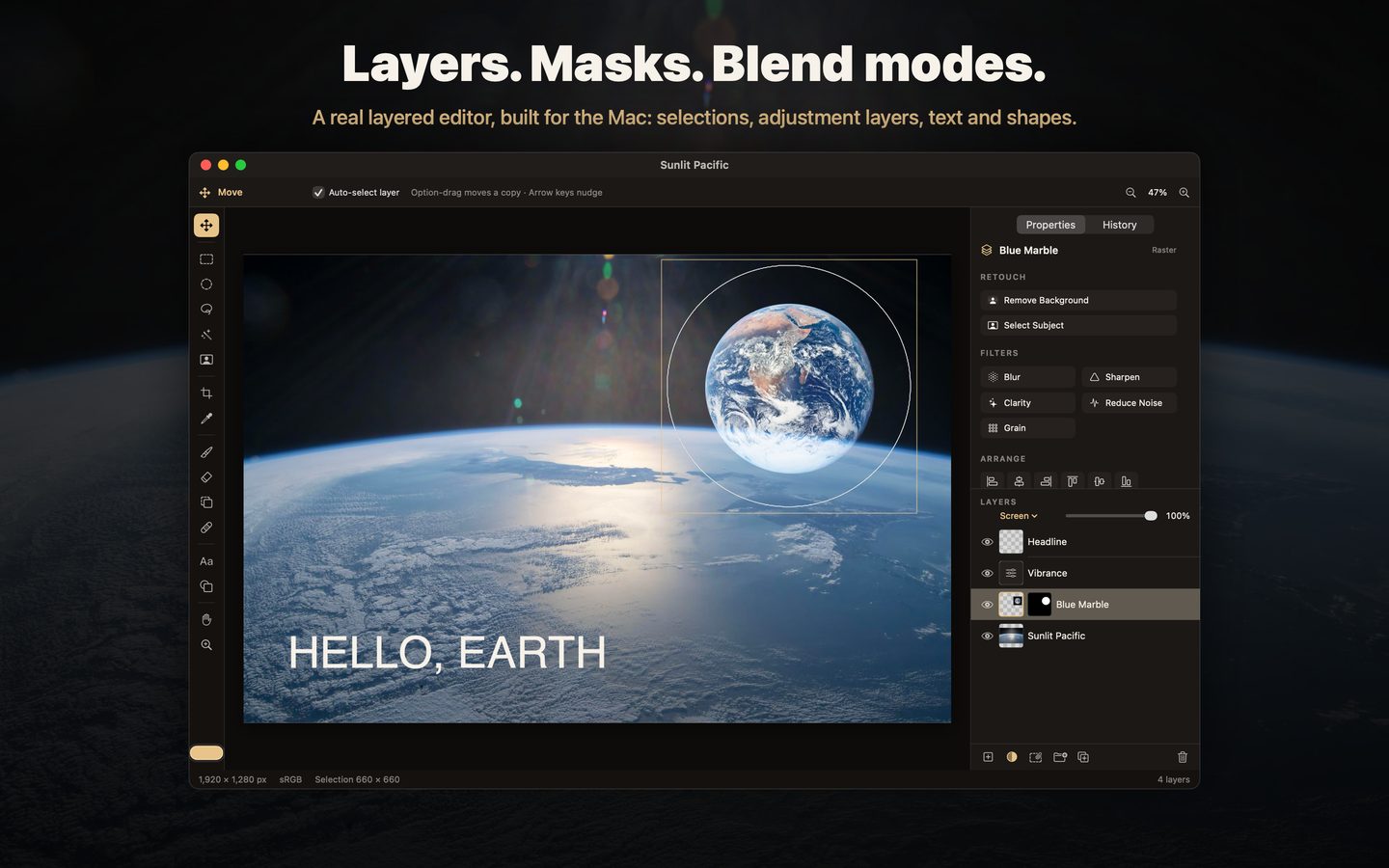
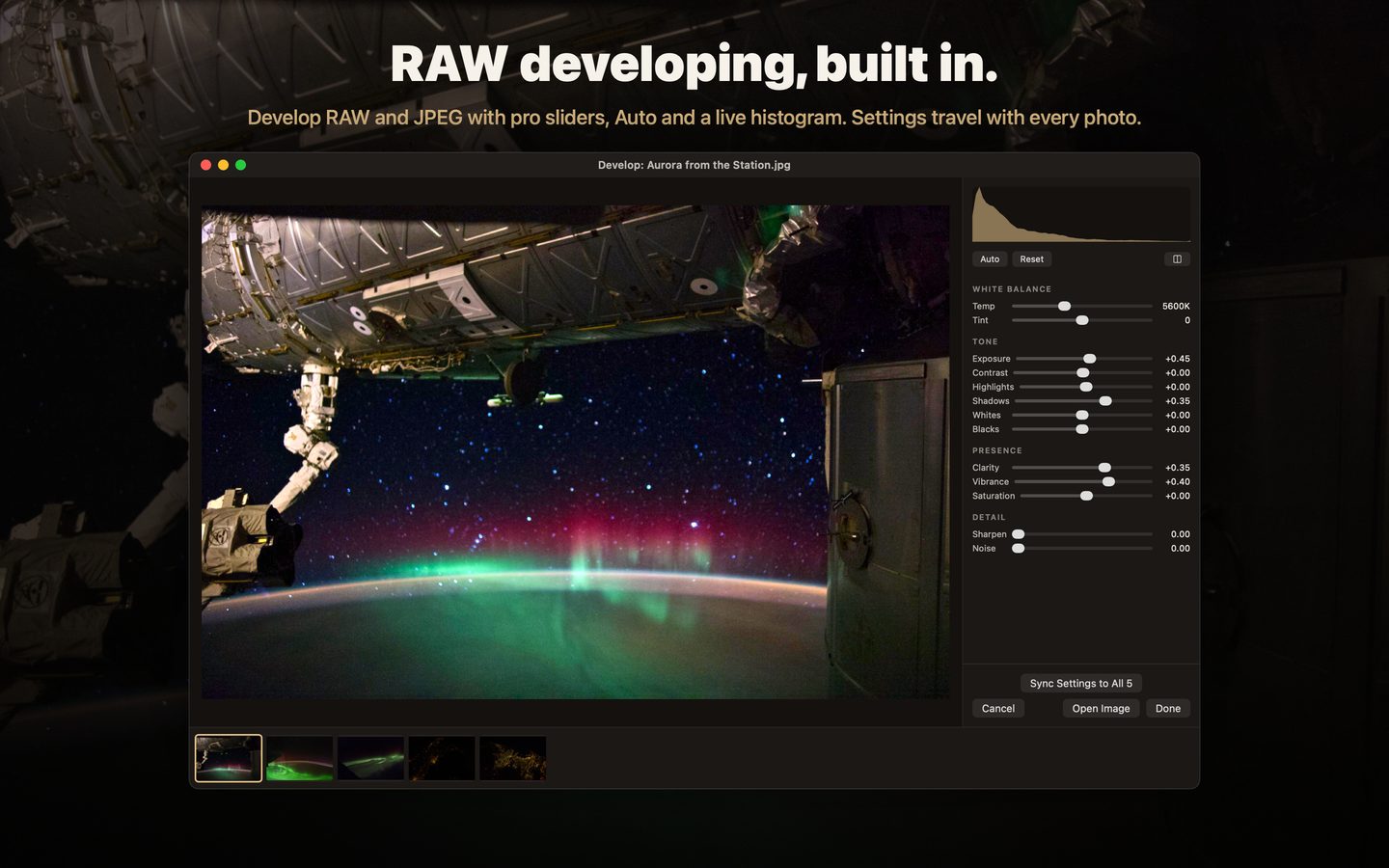
Photos: NASA.
browse
Folders, thumbnails, star ratings, rejects and color labels, saved in standard XMP sidecars.
develop
Temperature, tint, exposure, contrast, highlights, shadows, whites, blacks, clarity, vibrance, saturation, sharpening and noise reduction.
retouch
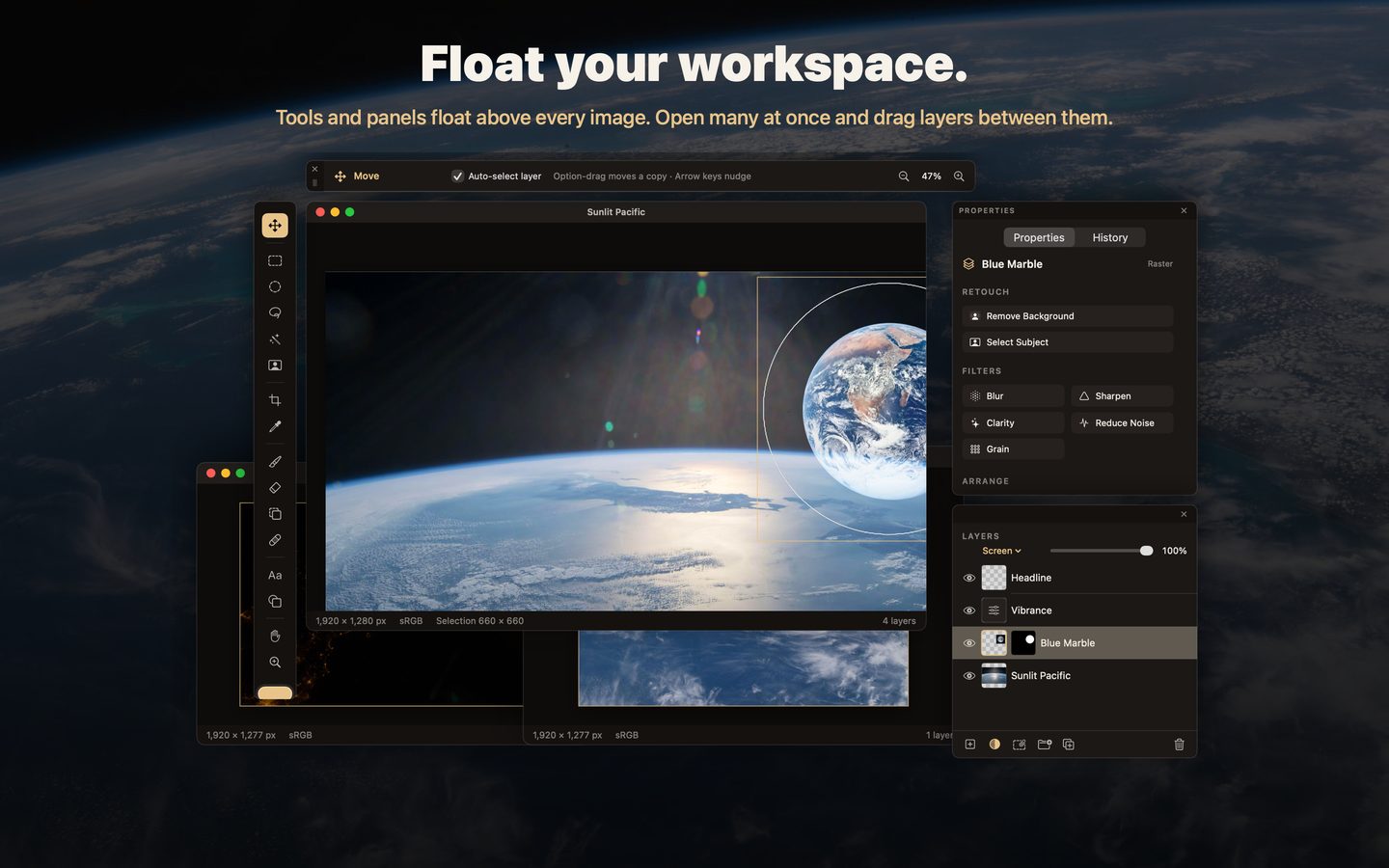
Layers, groups, masks you can paint, brush, clone, heal, Select Subject and Remove Background (on device).
batch
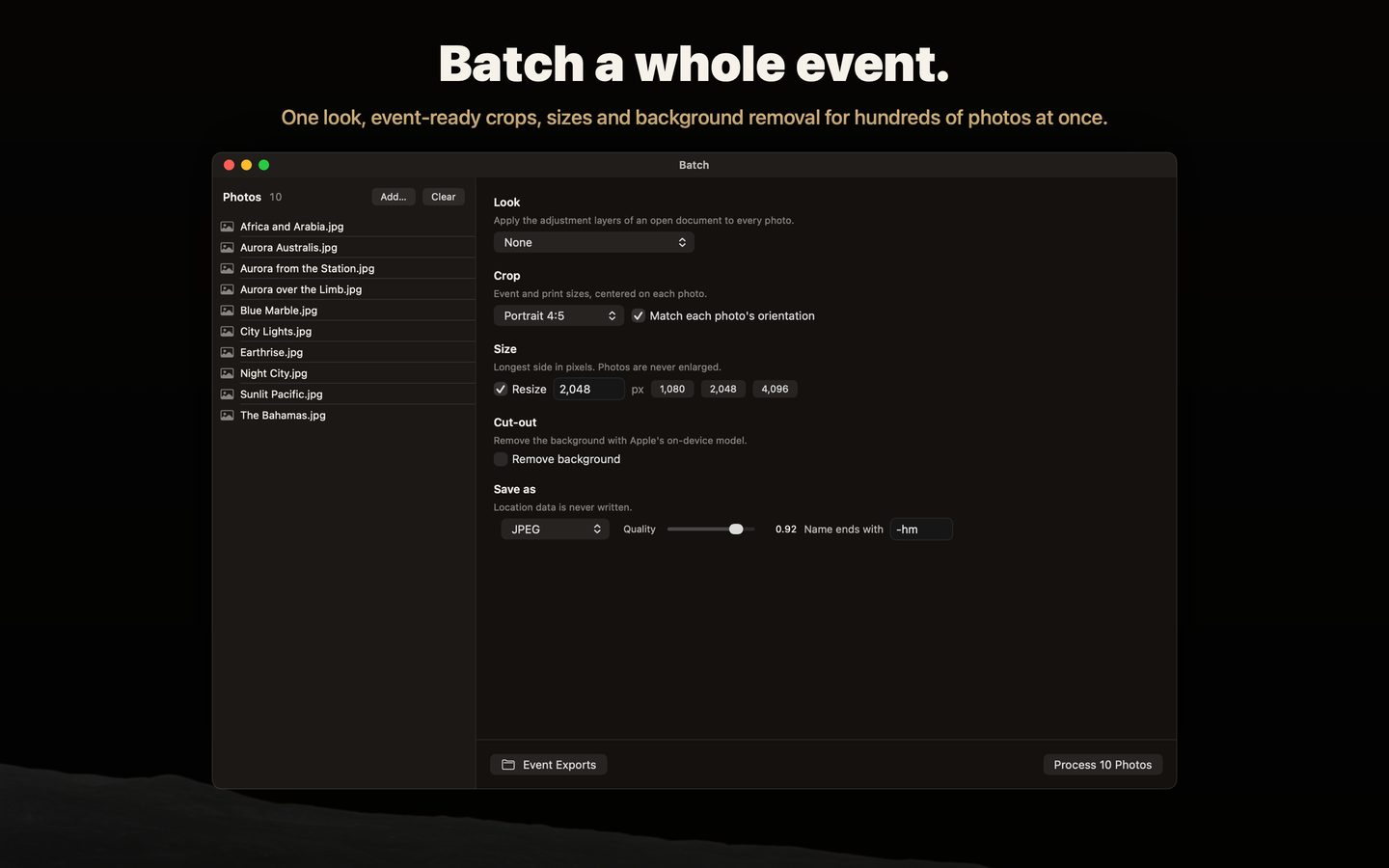
Apply one look, crop to 4:5, square, story or print sizes, resize and export JPEG, PNG, HEIC or 16-bit TIFF.
files
Opens JPEG, PNG, TIFF, HEIC and most cameras' RAW formats, and opens PSD files flattened. Saves layered projects and layered PSD files.
private
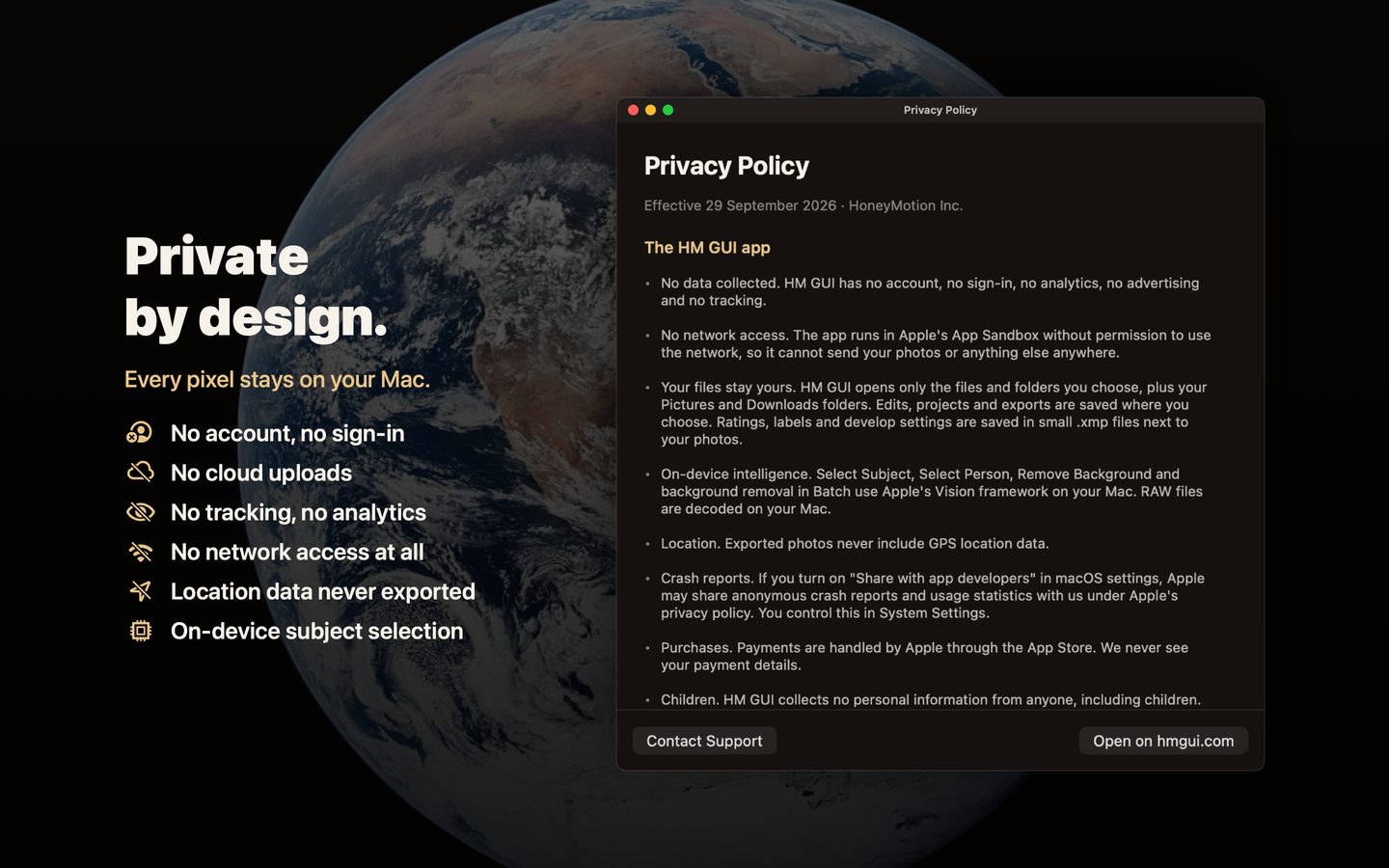
No account, no analytics, no network access. Location data is never written into exports.